
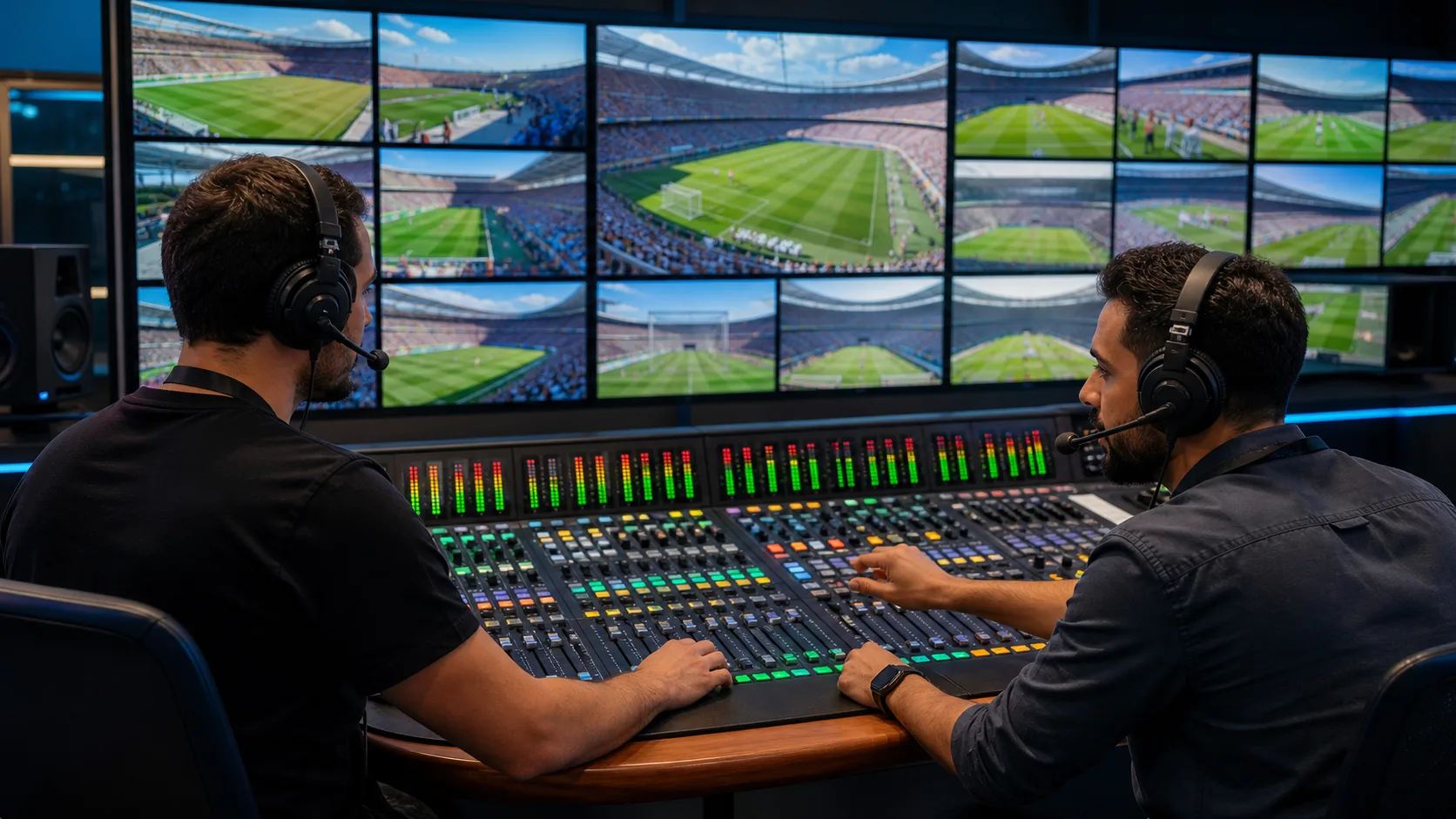
Make Every View Easier to Hear and Follow
Multi-view streaming is far more useful when viewers can clearly hear the feed that matters to them. A screen may show several live matches, camera angles, news feeds or programmes at once, but overlapping sound quickly turns choice into noise. Muting every view except one solves part of the problem, yet it also makes the other screens harder to follow.
As autumn brings fuller schedules of live fixtures, reality finales, breaking news and new on-demand releases, viewers want more control without losing the feeling of watching together. We see Multi-Sound as a practical way to make that possible: audio follows the content each person chooses, while the wider viewing experience remains shared.
Our AiFi software-only SDK lets streaming services synchronise existing phones, tablets and speakers as audio endpoints. That means viewers can build a better sound set-up from devices already in the room, without being asked to buy dedicated hardware.
Why Multi-View Needs Sound That Matches Every Screen
Conventional multi-view layouts give viewers more to see, but they often leave them with only one clear soundtrack. If every feed plays at once, commentary, dialogue and live reactions compete for attention. If only the main feed has sound, the other screens become little more than silent previews.
Spatial audio across multiple devices offers a clearer alternative. Rather than pushing every sound source through one television, a service can allow the chosen feed to play through a nearby phone, tablet or speaker. Another viewer can follow a different stream through another device, helping each person stay connected to their selected view without disrupting everyone else.
This matters because sound helps viewers understand what is happening. When audio reliably matches the video in front of them, moving between feeds feels more natural. Viewers can switch from one camera angle to another, follow a separate live event, or keep an eye on a second programme with less effort.
A well-planned Multi-Sound experience can support simple choices such as:
- Hearing a selected live feed through a nearby device
- Keeping the main screen’s shared sound in the room
- Following another camera angle without competing audio
- Letting different viewers focus on different streams
Let Viewers Build a Shared Sound Field
The television does not need to be the only place where sound comes from. In many homes, phones, tablets and speakers are already close at hand. When those devices can work together, viewers have more freedom to shape sound around where they are sitting and what they are watching.
One person might want focused audio from a tablet while following a selected feed. A group watching the main event may prefer a wider shared sound field from devices placed around the room. Both behaviours can belong in the same viewing session, provided the participating devices stay in sync with the relevant video.
We believe this is where shared viewing becomes more personal without becoming isolated. People can remain together for a big live moment, a final episode or rolling news coverage, while still choosing the audio that fits their position and preferred view. The goal is not to fill the room with competing sound. It is to give each listener a clear place within the experience.
With spatial audio across multiple devices, the service can support viewing arrangements that change as people move, join in or shift attention between screens. That flexibility makes multi-view feel less like a technical feature and more like a natural part of watching together.
Use Existing Devices Without Extra Hardware
A software-first approach lowers the barrier between a feature idea and a usable experience. AiFi is designed to turn compatible phones, tablets and speakers that viewers already own into synchronised audio endpoints. There is no need to make dedicated audio equipment a requirement for taking part.
Synchronisation is central to making Multi-Sound believable. Audio needs to remain aligned across participating devices and in step with the video feed it belongs to. This is especially important during live viewing, where a delayed reaction, call or line of dialogue can pull viewers out of the moment.
For streaming platforms, that technical foundation can make multi-view sessions more useful rather than more complicated. When viewers can choose and follow sound with confidence, they have a stronger reason to keep exploring available feeds and features. That can support longer viewing sessions, a more distinct premium experience and opportunities to improve engagement, retention and monetisation.
The value comes from keeping the set-up familiar:
- Existing consumer devices become part of the experience
- Audio can be assigned to the video a viewer selects
- Participating endpoints stay synchronised
- The service can offer more choice without separate hardware
Design Clear Controls for Multi-Sound Viewing
Choice only works when it is easy to understand. We recommend making Multi-Sound controls visible within the same area as multi-view navigation, so viewers do not have to leave the stream to manage audio. Selecting a feed, connecting a nearby device and changing audio placement should feel as straightforward as changing a camera angle.
Clear names for available devices can remove uncertainty. Simple prompts can show viewers which screen a device is currently playing, while direct audio switching helps them change focus quickly. Good onboarding should explain the idea in plain language: choose a view, choose where you want to hear it, and keep watching.
The interface also needs to support real viewing habits. A household may be following different live feeds in nearby rooms. A group may want separate sound for alternate camera angles. Someone may move from the sofa to another space and want to join or leave an audio group without interrupting the programme. Controls should make these changes feel easy, not like a set-up task.
Prepare Your Service for the Autumn Viewing Surge
Multi-view reaches its full potential when viewers can hear the view they care about most. As autumn viewing habits bring more live moments and more reasons to watch together, it is worth assessing where matched, synchronised sound could improve the experience across premium features, household viewing and live content.
A practical Multi-Sound design keeps choice clear, sound aligned and shared viewing comfortable. When each device has a useful role and each feed has audio that makes sense, viewers can follow more without feeling pulled in every direction.
Make Every Shared Stream Easier To Follow
See how spatial audio across multiple devices can support clearer, more purposeful viewing experiences for your audience. At Sound Dimension, we help shape shared streaming sound around the way people watch and interact. To discuss your streaming setup and goals, contact us.