
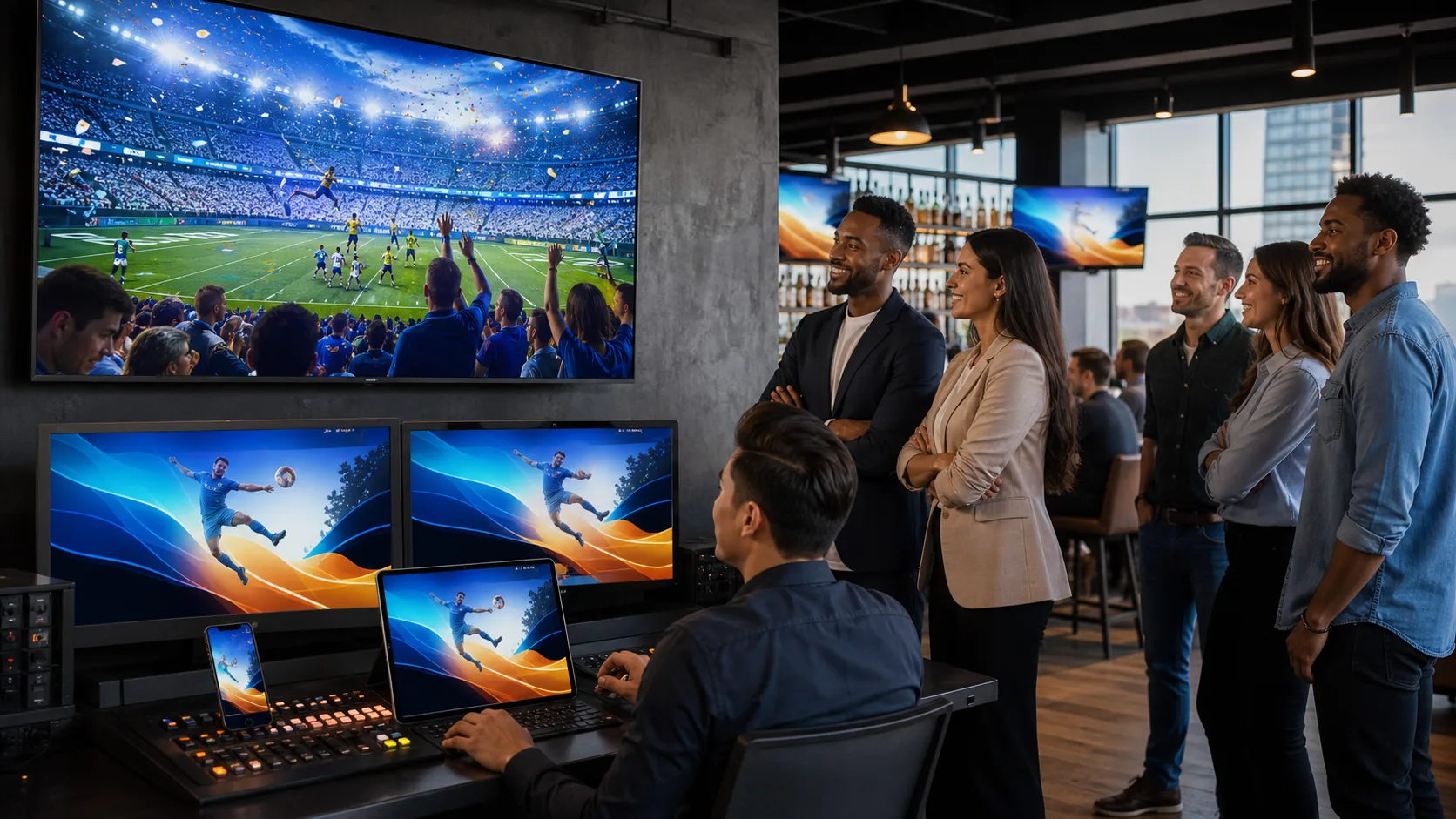
Live advertising works best when it feels connected to the moment viewers are already watching. With second-screen ad synchronization, we can help platforms bring a relevant offer, prompt, or product detail to a companion device at the right time, rather than dropping in an unrelated interruption.
Timing shapes the viewer experience during live programming. When attention is high, a well-matched interaction can create a simple path from seeing a message to taking action. We’ll cover how synchronization works, how to plan for live timing changes, what viewers may see, and how to measure meaningful engagement.
How Second-Screen Ad Synchronization Works
Second-screen ad synchronization begins with a cue in a live stream. That cue might come from an ad break, a scene change, a live event moment, or a trigger set by the streaming platform. When the cue happens, a connected companion device can receive an experience designed for that exact moment.
With software-only synchronization technology, platforms do not need to depend on specialized consumer hardware. An SDK can coordinate shared sound across viewers’ existing devices while also supporting synchronized viewer experiences. This gives platforms a way to connect the live stream and companion screen without asking viewers to replace the devices they already use.
The goal is not simply to show the same ad on two screens. A companion experience can support the main stream with something useful, such as a product detail, a short poll, a loyalty action, or a limited-time offer. The live stream stays at the center, while the second screen gives interested viewers an easy way to engage.
When we plan these experiences, we focus on making the trigger feel natural. The companion moment should arrive while the related scene, message, or ad is still meaningful to the viewer.
Prepare for Live Timing Shifts Without Losing Relevance
Live programming rarely follows a perfect clock. A segment may run long, a break may happen early, or an unexpected event may change the order of the show. Server-side ad insertion and differences in viewer devices or network conditions can also affect when someone receives a cue.
For that reason, we recommend building second-screen ad synchronization around adaptable triggers instead of a single fixed timestamp. Event-based signals, content markers, campaign rules, and fallback logic can help keep the companion experience tied to the right live moment.
A thoughtful setup should also include safeguards that protect the viewer experience. For example, campaigns can prevent:
- Offers from appearing after the related segment has ended
- The same prompt from showing too many times
- Interactions that stay active after they are no longer relevant
- A delayed cue from creating confusion during a new scene
Before a high-attention live event, we recommend testing timing thresholds across different devices, networks, stream conditions, and ad delivery paths. A pilot can reveal where a trigger needs more flexibility, where a fallback is needed, and how long an offer should remain available.
Match Companion Experiences to Viewer Intent
After a synchronized trigger appears, the viewer should quickly understand why it is there and what they can do next. The strongest companion experiences offer a clear benefit without demanding too much attention from the live stream.
Depending on the program moment, we can help platforms shape experiences around actions such as:
- Viewing details about a featured product or advertiser message
- Joining an interactive vote or poll
- Entering a giveaway or loyalty activity
- Saving an item for later
- Taking a quick path to purchase
Scene-specific commerce makes these moments more relevant. Rather than sending every viewer the same general promotion, a platform can connect the companion experience to the current live context. An offer can match the advertiser message, the event moment, or a product that viewers have just seen discussed on screen.
Simplicity matters just as much as relevance. We recommend keeping interactions optional, mobile-friendly, and easy to finish in only a few steps. Viewers should control notifications, data sharing, and purchase choices at every stage. The companion screen should add convenience, not compete with the stream for attention.
Measure Engagement Beyond Impression Counts
Standard ad delivery reporting can show that a message was served, but it does not always show what happened after the moment reached the viewer. Second-screen ad synchronization creates an opportunity to follow the path from trigger delivery to companion-screen display, interaction, redemption, purchase, or another desired action.
Before a campaign goes live, we recommend agreeing on what success should mean. Depending on the purpose of the experience, teams may track:
- Engagement with a synchronized prompt
- Click-throughs to a product or branded destination
- Offer redemptions or commerce activity
- Lead capture or repeat participation
- Viewer retention and incremental lift against a control group
Clear goals make reporting more useful. They also help platforms compare different live moments, audience groups, and companion formats without treating every interaction as equal. A poll response may matter differently than a completed purchase, for example.
Responsible measurement should protect viewer trust. We support transparent consent flows, careful data collection, and privacy-conscious reporting practices. The point is to understand which experiences create meaningful outcomes while collecting only what is needed for that purpose.
Put Your Fall Live Stream Plan Into Motion
Fall premieres, holiday programming, year-end events, and other live moments can give platforms a strong reason to test synchronized companion experiences. At Sound Dimension, we focus on helping platforms create shared-sound streaming experiences, support scene-specific commerce, and better understand live viewer engagement.
Start with one upcoming stream and keep the pilot focused. Define the trigger, intended audience, companion experience, offer, device flow, and measurement goal before the event begins. Testing the full viewer path early can help your team spot timing issues, remove friction, and make sure the companion experience feels helpful when the live moment arrives.
Make Every Live Stream More Responsive
At Sound Dimension, we help teams build shared sound experiences that complement live video without interrupting the viewer journey. See how second-screen ad synchronization can support timely, relevant companion interactions across connected devices. When you are ready to discuss a stream-specific approach, contact us to plan the right setup for your audience.